Teleprompter Ad Guide: Buyers, Doubts and 8 Hooks to Test
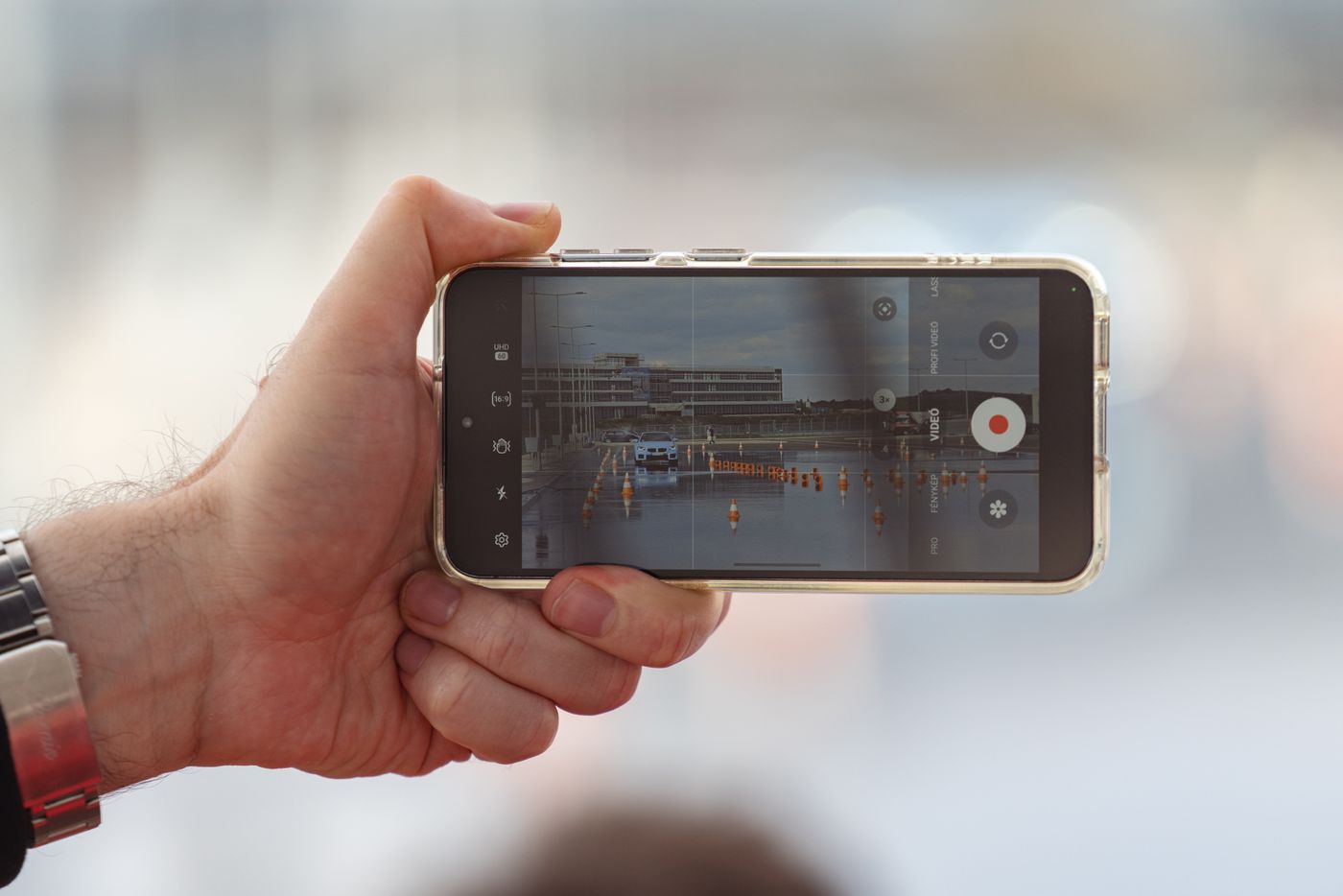
Your ad opens on a phone, a block of text, and the words "read while you record." The viewer gives it a second, then scrolls. You check the comments later and see the same question: does the voice-follow actually work, or will it lose my place halfway through?
That's the buying decision in this niche. People already know how to read a script. They need to stop forgetting lines, reshooting and looking away from the lens. A polished screen mockup doesn't prove any of that.
This guide draws on thousands of public buyer conversations. You'll see who buys, what makes them hesitate, and eight hooks to test. More importantly, each angle comes with something you can put on camera, from a full uncut take to a live voice-follow demo with real pauses.
Why teleprompter ads miss the real problem
Showing text moving up a screen explains the basic function, but it doesn't tell a creator whether the app will keep up when they pause, speed up or change a word. It doesn't tell a presenter whether the recording will make it to the end without freezing. And it doesn't settle the money question: is this another subscription, or will an update put useful features behind a paywall?
The buyer wants to picture the whole shoot going differently. They open the script, look into the lens and deliver the message without a string of takes. If your ad only shows a feature list, they still have to imagine the hard part working. Put the actual recording on screen and let them watch it happen.
Four buyers worth targeting first
The report maps creators, speakers, educators, businesses and several other groups. Start with these four: their needs are clear, and each can be shown in a distinct filming scene.
The daily content creator
They film short-form videos and channel content constantly. They want to sound natural, finish sooner and stop collecting takes in the edit folder.
Ad angle: Open with a creator losing their place, then show a full clean take. Keep the script near the lens and let their delivery sound conversational.
The speaker or podcaster
They have a long talk, show or recording to deliver without fumbling through notes. A glance down can break the connection with the audience.
Ad angle: Show a speaker tracking a long script while maintaining eye contact with the room, with no awkward search for the next line.
The teacher or lesson maker
They record explanations and need to stay on-message while addressing the camera or class, rather than reading from slides or paper.
Ad angle: Frame the script at eye level beside the lens, then show a clean lesson delivery. The teacher looks at the audience, not down at notes.
The company video team
Owners and staff make internal, promotional or product videos. They need accurate wording and want to avoid repeating a shoot across several people.
Ad angle: Film a small team taking turns on camera, with the script ready and fewer interruptions between speakers. Show the exact wording on screen.

The doubts to answer on camera
These concerns can sink an ad even when the product looks useful. Don't answer them with a string of promises. Give the viewer a shot they can judge: an uncut recording, visible price, or text following speech at different speeds.
| What the buyer thinks | What to show on camera |
|---|---|
| "It'll freeze when I'm halfway through a take." | Start recording, show a running timer, and keep the take uncut until the end. |
| "Voice-follow will jump or stop when I pause." | Speak quickly, slow down, pause naturally, then continue while the text follows. |
| "This will turn into another subscription." | Put the full one-time price beside clear wording: no subscription or recurring fee. |
| "The free version won't let me do anything useful." | Use the free tier in a real shoot and show what's included before mentioning an upgrade. |
| "I'll look like I'm reading, not talking to the camera." | Place text at lens height and film the speaker's eyes staying on camera through a sentence. |
Claims like "smooth" and "reliable" are easy to skip past because every app can say them. A single shot of voice-follow through a pause is harder to dismiss. If you mention price or free access, show the actual terms rather than burying them in small print.
The moments that start a purchase
People often look for a prompter because something is due, a shoot is dragging, or another app has disappointed them. Match the ad to that moment and show the next action clearly.
- A first channel video. The new creator keeps deleting takes after forgetting a line. Show the script ready before they press record.
- A talk or meeting coming up. Pages of notes need to be delivered to a webcam or audience. Show the script beside the lens, not down on a desk.
- A shoot that keeps running long. The timeline is full of repeated clips. Cut to one complete delivery with the words in view.
- A subscription or surprise bill. The old app now asks for more money. State the new offer's one-time price and billing terms on screen.
- An audition due tonight. The actor needs to read sides while keeping eyes on the lens. Show a self-tape with a steady eye line.

8 teleprompter hooks to test
Each hook starts from a buyer's actual friction: lost lines, editing time, shaky voice-follow or billing worries. Keep the visual matched to the promise, so a voice-follow hook shows the feature working rather than just a phone screen.
"Still filming take after take because you keep forgetting your lines?"
Best for: creators stuck in reshoots"You don't have to memorize a word to sound natural on camera."
Best for: new and frequent creators"My first video took a pile of deleted takes. Then I changed one thing."
Best for: first-time channel creators"Creators: your script shouldn't cost you an afternoon of editing."
Best for: people editing repeated takes"What if your script followed your voice, even when you paused?"
Best for: buyers doubtful about voice-follow"Pay once. Own it. No subscription waiting around the corner."
Best for: subscription-wary app buyers"Meeting coming up? Put the script by the lens and keep your eyes on camera."
Best for: presenters and remote workers"Why trust another prompter app before you've seen it finish a take?"
Best for: buyers concerned about crashesTest two hooks against the same video first. For the voice-follow line, capture fast speech, a pause and a slower sentence in one continuous shot. For the payment line, show the price and billing terms right beside the app, not in a later frame.
Score your current teleprompter ad
Open your current creative and tick only what a viewer can actually see. A caption claim doesn't count as proof if the footage never demonstrates it.
Your ad shows 0 of 6.
Fewer than four ticks? The viewer still has a reason to doubt the tool. Pick one missing proof point and add it to the next cut before changing everything else.
If your teleprompter ads are already running flat: what to do now
Don't change the hook, audience and video all at once. Work through the buyer's unanswered concern, then make one clean test at a time.
- Read comments and support questions. If people ask about crashes, voice tracking or billing, bring that objection into the opening instead of repeating a generic feature list.
- Replace the first line only. Try a reshoot question or a no-subscription angle while keeping the same footage. That tells you whether the message needs work.
- Film a proof sequence. Record a real script with fast speech, a pause and a slower section. Keep it continuous so buyers can judge the tracking.
- Show the billing terms clearly. Put the one-time price and whether a subscription applies on screen. If you mention a free tier, show what it actually includes.
- Make a separate creative for each buyer. A teacher needs a lesson scene; a creator needs a take-saving scene. Don't make one ad speak vaguely to everyone.
A look inside a full AngleBrief report: buyer groups, objections, hooks and the angle test matrix.
FAQ
What should a teleprompter ad show first?
Show the outcome the viewer wants: a person delivering a complete line while looking toward the lens. Then prove the uncertain part, such as voice-follow through a pause or a stable recording from start to finish.
How do I prove voice-follow works?
Film the actual script scrolling while someone talks at different speeds. Include a natural pause, then show the text moving again when they resume. Avoid hiding the key moment with a cut.
Who buys teleprompters besides video creators?
Speakers, podcasters, teachers, students, company video teams, small business owners, actors making self-tapes and people who need large, readable text all use them for different reasons. Give each group a scene that matches its job.
Should the ad mention price and subscriptions?
Yes, if the offer has a clear one-time price or genuinely free tier. Buyers worry about recurring billing, locked features and trial charges. Put accurate terms on screen, and don't imply a billing setup the offer doesn't have.
Where does this buyer research come from?
It comes from thousands of public conversations where buyers discuss teleprompter problems, doubts and purchase decisions, grouped into buyer types, objections, triggers and ad angles.
Advertising in another niche? Browse all buyer reports or request research for your niche. You can also preview the Teleprompter report.

Get the full Teleprompter buyer report
See the buyer groups, their ad angles, ranked pains, objections and triggers, plus hooks and a matrix for planning your next tests. Build creative around what buyers need to see, not guesses about what they might want.
Get the report · $24One-time payment · instant access · 7-day refund