Route Planner Ad Guide: Buyers, Doubts and 8 Hooks

You launch a route planner ad with a sleek map animation, a glowing pin and the words “AI-powered routing.” You watch the clicks come in, but the comments ask whether the app puts stops in the right order and whether the free trial turns into a charge. Your creative never answers either question.
That’s the purchase in this niche. A driver with a full day of deliveries wants to know the route won’t send them backward or place a pin at the wrong door. A traveler wants bookings gathered in one place, not another subscription they have to remember to cancel.
This guide draws on 13,468 buyer conversations. You’ll see who buys route planners, which doubts to answer on camera, and eight hooks you can test with footage that shows the product doing real work.
Why polished route planner ads still miss
Route planner buyers aren’t shopping for “smart technology” in the abstract. They’re trying to protect time, fuel, deadlines, or the shape of a trip. A driver may have a list of addresses to enter before the day even starts. A field rep may be spending hours driving between customer visits. A traveler may have hotel and flight confirmations scattered across email.
Two questions sit behind those problems: “Will this route be right?” and “What will it cost me if I try it?” An animated map doesn’t prove a stop is pinned at the correct door. A free-trial badge doesn’t reassure someone who fears an automatic renewal. Show the route working, then make the plan limit and billing terms easy to see.
Four buyers worth targeting first
The report maps ten buyer groups. These four make strong starting points because each has a clear, filmable problem. Give each its own creative instead of trying to speak to every person who uses a map.
The Multi-Stop Delivery Driver
Handles dozens to hundreds of stops and loses time when the route doubles back or leaves addresses out of order. They want a clean line from first door to last.
Ad angle: paste a crowded stop list into the app, show it become an ordered route, then show the driver finishing the run without retracing streets.
The Professional Courier
Works against delivery windows and needs stop order to match the day’s timing. One missed sequence can mean circling back to a door already passed.
Ad angle: show a time-window stop staying in sequence on screen, then a courier arriving at the right address rather than looping back.
The Directionally Challenged Driver
Second-guesses directions, turns the wrong way, and may circle the same block more than once. Clarity matters more than a feature list.
Ad angle: show the driver pause at a confusing intersection, follow the clear instruction, and arrive without another lap around the block.
The Field Sales Rep
Visits customers across a wide territory and wants more time in shops, less time behind the windshield. Their day is a sequence of appointments, not one destination.
Ad angle: show customer stops arranged into a practical day plan, then a rep walking into a shop instead of spending another stretch driving.
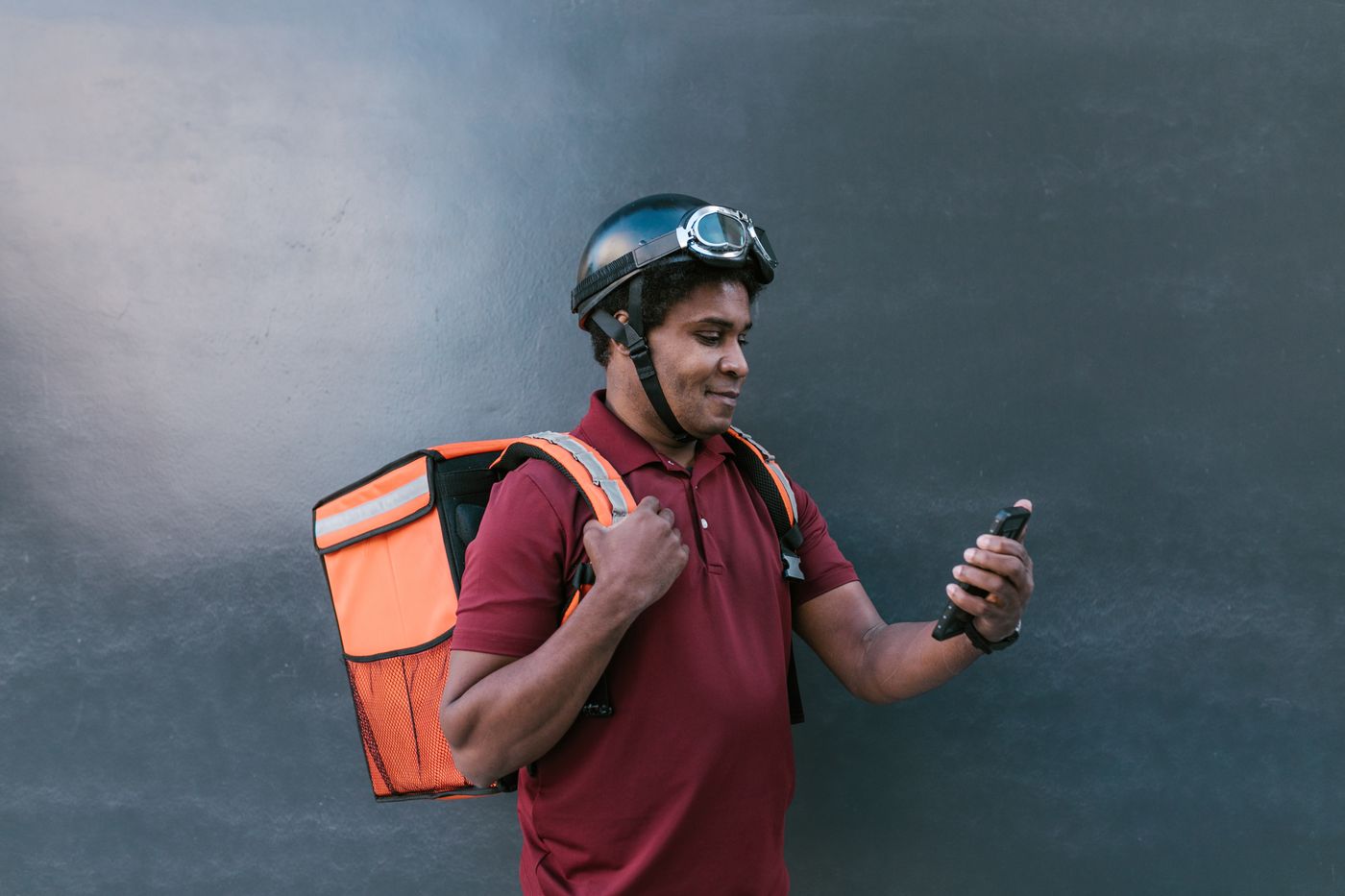
The doubts to answer on camera
A route planner’s promise is only as convincing as the proof beside it. These doubts come up around accuracy, setup and billing. Give the viewer something concrete to inspect instead of relying on reassuring adjectives.
| What the buyer thinks | What to show on camera |
|---|---|
| “It’ll put a stop in the wrong place, and I’ll have to check every pin.” | Zoom in as pins land on the intended doors, then show the ordered stops on the route. |
| “I’ll still have to type every address by hand.” | Paste a spreadsheet or a long address list into the app and show the route appear. |
| “The free plan will hit a limit before I can test it.” | Show a real short route being built and state the free stop limit plainly on screen. |
| “The trial will quietly charge me after I forget to cancel.” | Show the trial cutoff and cancellation terms in readable text, including what happens when it ends. |
| “My route will disappear when I lose signal or change phones.” | Show a saved route available offline, or appearing on another device after syncing, if the product supports it. |
Keep every proof shot honest to the product. If offline access, syncing, or unlimited stops depends on a plan, put that condition beside the demo. A buyer who spots a hidden limit in the checkout flow has a reason to distrust the rest of the pitch.
The moments that start a purchase
A route planner becomes relevant when the old way starts costing effort. Match the opening line to the situation the viewer is in, then show the first useful action in the app.
- A heavy delivery day is coming. A driver sees a long stop list and needs it arranged before leaving the depot.
- A multi-leg trip is on the calendar. In the week before departure, a traveler wants hotels, tickets and driving stops together instead of spread through email.
- The first session after installing. A new user is testing the app; show a route built quickly, without a tutorial maze or lengthy setup.
- A route app has changed or stopped working. After an update or lost sync, show how saved trips or stops can be brought back, if the product supports it.
- A team is adding drivers. A delivery lead who has outgrown informal routing needs a shared plan the crew can follow.

8 route planner hooks to test this week
Use each line with footage that proves the idea. Keep the interface legible: show the pasted stops, route order, booking import or billing terms that the hook names.
“200 stops. One day. Zero backtracking. Here’s how.”
Best for: delivery drivers with a heavy daily list“Still typing addresses one by one before you even start driving?”
Best for: drivers entering repeat stop lists by hand“Why does your route app keep sending you in circles?”
Best for: drivers frustrated by backtracking“Paste 100 addresses once. Watch the route take shape.”
Best for: multi-stop drivers who need a visible import demo“Worried the trial will turn into a charge? Show the cutoff before you start.”
Best for: price-skeptical app shoppers“Your phone loses signal. Your saved route shouldn’t.”
Best for: drivers who need routes away from reliable coverage“Flight, hotel, rental, all buried in email? Put the trip in one place.”
Best for: travelers juggling bookings across inboxes“Field reps: trade windshield time for customer time.”
Best for: account managers visiting customers across a territoryTest two hooks against the same footage so the message is the main change. Don’t promise a specific time or fuel saving unless your offer can support it. A route-building demo and a clear plan limit are safer proof than a sweeping outcome claim.
Score your current route planner ad
Open the ad you’re spending on and tick only what the viewer can actually see. If a point appears only in the caption or on a page they haven’t reached, leave it unchecked.
Your ad shows 0 of 6.
Fewer than four ticks? You may be asking buyers to trust claims they can’t verify. Start with the route itself, then make the plan terms visible before the call to action.
If your route planner ads are already running flat: what to do now
Don’t change the whole campaign at once. Find the missing proof first, then make one creative change at a time so you can see what helped.
- Read the comments and questions. If people ask about free limits, billing, wrong pins or signal, turn that exact concern into the next shot.
- Replace the feature-led opener. Swap “smart routing” for a visible task, such as pasting a stop list or fixing a route that doubles back.
- Film the product doing the work. Capture the list entering, pins appearing and route order changing. Keep text large enough to read on a phone.
- Separate audiences by job. Make one ad for a delivery driver and another for a traveler. Don’t mix stop counts, bookings and running routes in one message.
- Put billing terms in the creative. State the free limit and explain the trial cutoff accurately, so the viewer doesn’t have to guess what happens next.
A look inside a full AngleBrief report: personas, hooks and the angle test matrix.
FAQ
What should a route planner ad show first?
Show the job the buyer needs done. For a delivery driver, paste a list and show the stops arranged into a route. For a traveler, show bookings gathered into an itinerary if the app supports that. Make the first proof easy to see.
Which route planner buyers should I target first?
Start with a specific use case, such as multi-stop delivery, courier time windows, field sales visits or trip planning. The ad can name the problem and show the matching workflow instead of trying to appeal to every map user.
How do I address subscription concerns?
Put the free-plan limit, trial end and cancellation terms in clear language. Don’t promise “no charges” or a refund unless those terms are true for the offer. Show the relevant screen or policy text.
Can I advertise offline routes or device syncing?
Only if the product supports those features for the plan being promoted. If it does, film a route available without a connection or appearing on a second device. Explain any limits rather than implying the feature works everywhere.
Where does this research come from?
It draws on 13,468 buyer conversations about route planners, grouped around who buys, what causes hesitation, what prompts a purchase and which product criteria matter.
Running ads in a different niche? Browse all buyer reports or request research for your niche. You can also preview the Route Planner report before you buy.

Get the full Route Planner buyer report
Get the buyer groups, pains, objections, triggers and creative angles behind this guide. Use the report to brief your next route planner ad tests with clearer messages and visible proof.
Get the report · $24One-time payment · instant access · 7-day refund